For a number of years now, I’ve created a reading log based in Google Sheets to track my yearly reading. I prefer this to sites like Goodreads because it’s private (as private as Google Sheets can be??? But not public facing!) and basing it in Google Sheets allows me to keep track of tons of stats while also making sure I can access it on the go. I’ve shared this reading log with friends and other readers for years, and thought that it might be useful to park it here on my blog for people to find more easily!
This log doesn’t just track what books you read and all of the various information and data bits about the books you read, but it also has the ability to track reading challenges (either ones you make up for yourself or other challenges from across the internet) and how many books you acquire/buy! Plus, it generates fun visuals of all of your reading statistics, which is honestly my favorite part and 99% of the reason why I use it. It’s also highly customizable, so you can tweak it to suit your reading life (more on that below). First, here’s a quick look at the 2026 log:
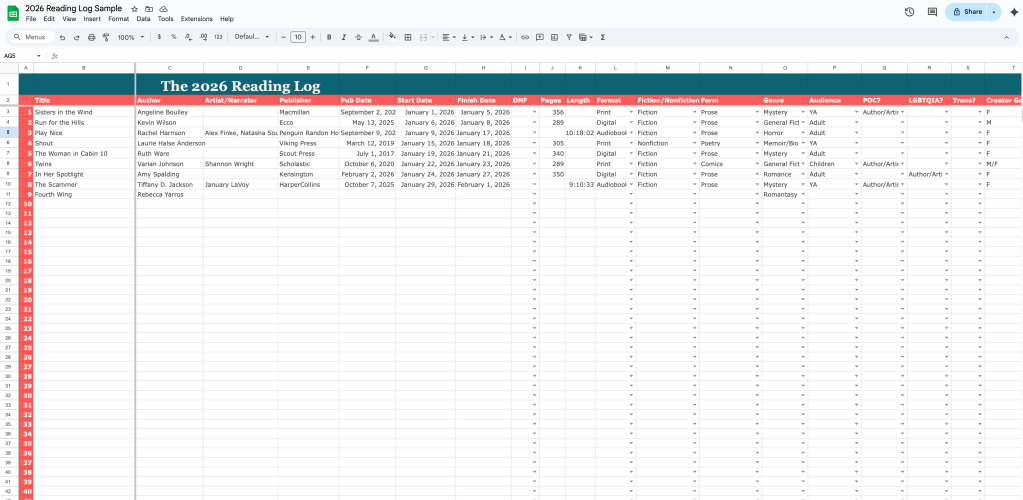
The first tab of the log is the “reading log” tab, which is where you input all of the data. Now, the one drawback to using this log is that you do have to input the data yourself. However, you also get to choose what you want to record and keep track of. I personally find it somewhat soothing to update my log with every new book I read, and I admittedly track a lot of information. (More info = more pie charts!)
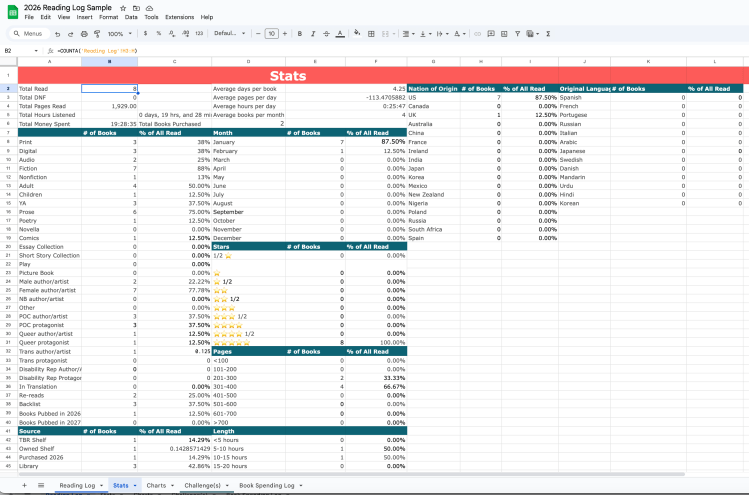
The second tab is the Stats tab. It takes all of the info that you enter on the first tab and generates it into tons of numbers and percentages! If you’re a numbers person, this is fun to peruse!
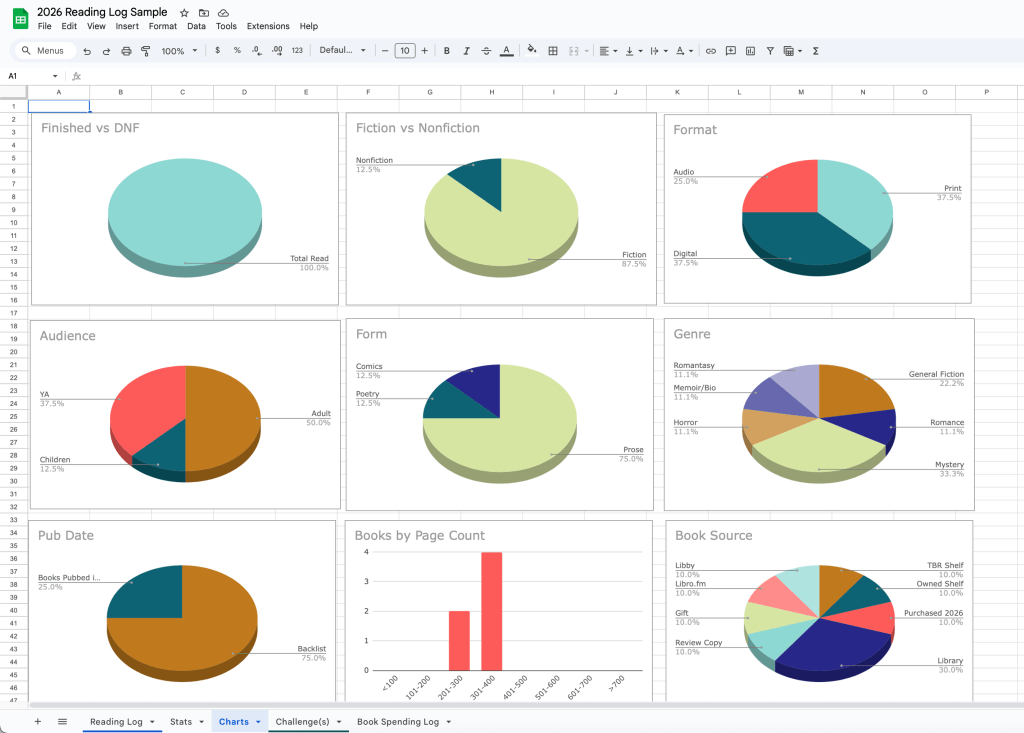
And if you’re not a numbers person, then we have this fabulous tab, which includes pie charts and graphs for the more visual among us. I love looking at the visual representation of my reading throughout the year and I use these visuals to help me stay on track with my personal reading goals of reading diversely across genres and age groups, and reading diverse books.
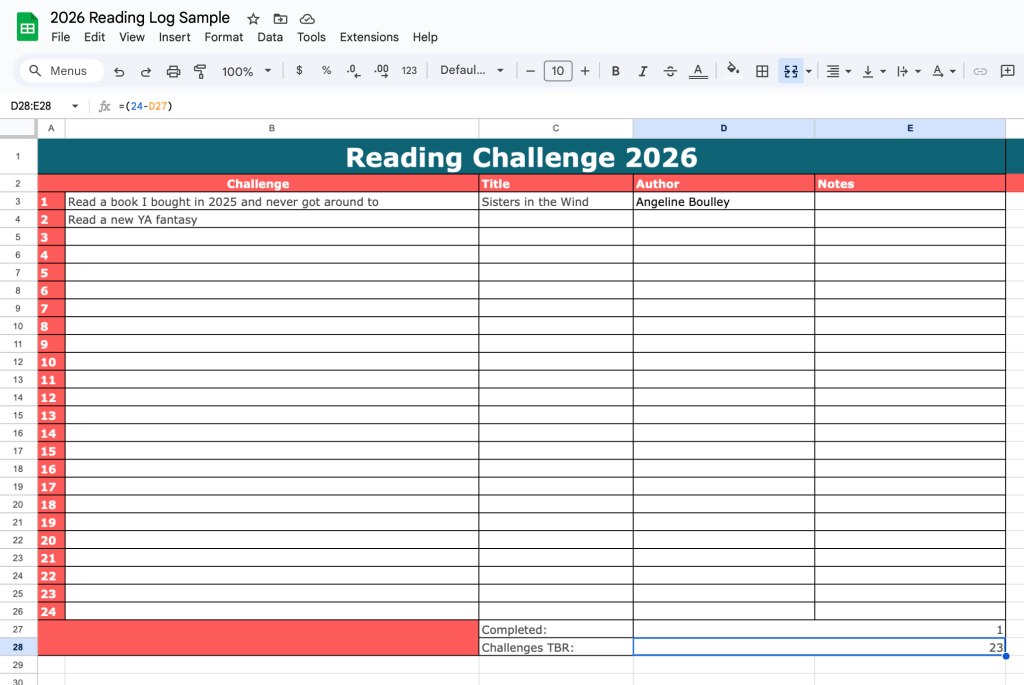
The Challenges tab comes blank so you can add your own challenges or input challenges from around the internet, or from your own community! (Aside: This last year my library did a local community reading challenge, and I’m pumped for the 2026 version!) The cool thing about this is that it is set up so that you can get the title/author of the books that you read to fulfill the challenges to automatically populate (which I show you how to do in my tutorial).
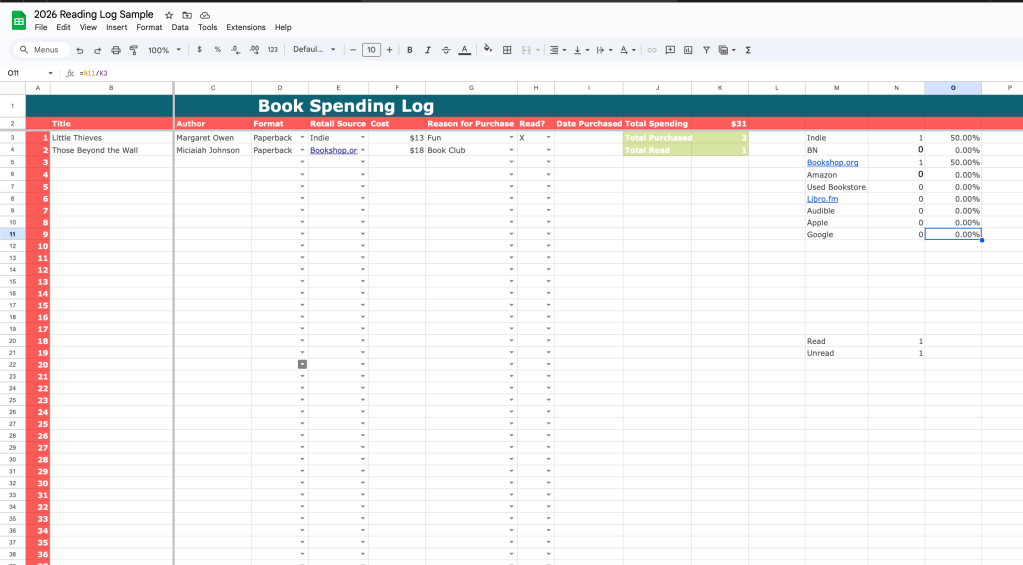
Finally, this is totally optional, but maybe you want to track how many books you buy in a year. (This can be dangerous.) This tab tracks your purchases and purchase source and how much money you spend, and how many of the books you read each year. I also find this useful to make sure I actually read the books I buy and don’t let them languish on my shelves.
If this sounds like something you’d like to use, you can access the log here. To get your own copy, click on File->Make a copy->save to your own Drive/Google account! And if you want a tutorial on how to customize this log for your own use, here’s a YouTube tutorial I recorded, showing how you can change the drop down menus, add criteria, etc.!
I love hearing from readers who use this log and share their own customizations, so if you decide to use this, feel free to share with me! And happy reading!
 Tirzah Price
YAYYYYYYYThe most wonderful time of the year (for me and my book club, who are all fans)
LikeLike
I’ve been looking for one of these, thank you!!
LikeLike
Thank you thank you thank you!
LikeLike